
How to Use Structured with Siri AI
With iOS 27, Apple users can look up, create, edit, reschedule, and delete tasks using Siri AI.
⚠️ Please note that Siri AI is available in English only, requires iOS 27, and isn't available yet in the EU and China.
This article covers information about:
(2) Create, Edit & Delete Tasks with Siri AI
(1) How to Launch Siri AI
There are different ways to launch Siri AI:
Say “Siri” or “Hey Siri” to instruct Siri AI verbally.
Long-press the lock button to instruct Siri AI verbally.
Use the Siri AI app for written input.
Learn more about launching and using Siri AI here.
(2) Create, Edit & Delete Tasks & Events with Siri AI
(2.1) Create Tasks & Events
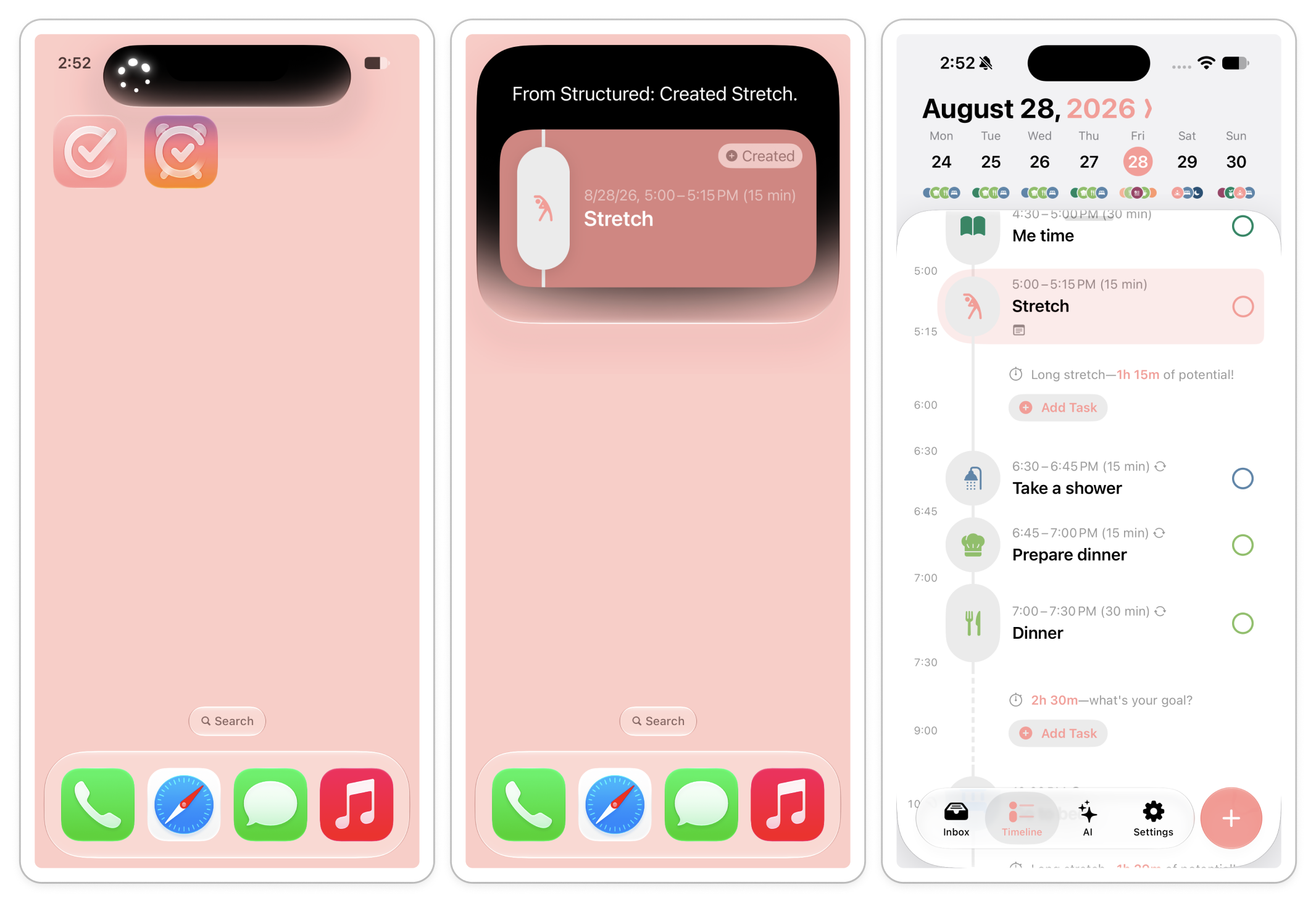
Creating tasks or events with Siri AI is easy. Simply prompt Siri AI to create a task or event in Structured and mention the time and duration.
Example prompt:
"Hey Siri, create a 15 minute stretching task this afternoon."
This way, Siri AI will create the respective task for you. Tap it to see it in Structured.
(2.2) Edit & Reschedule Tasks & Events
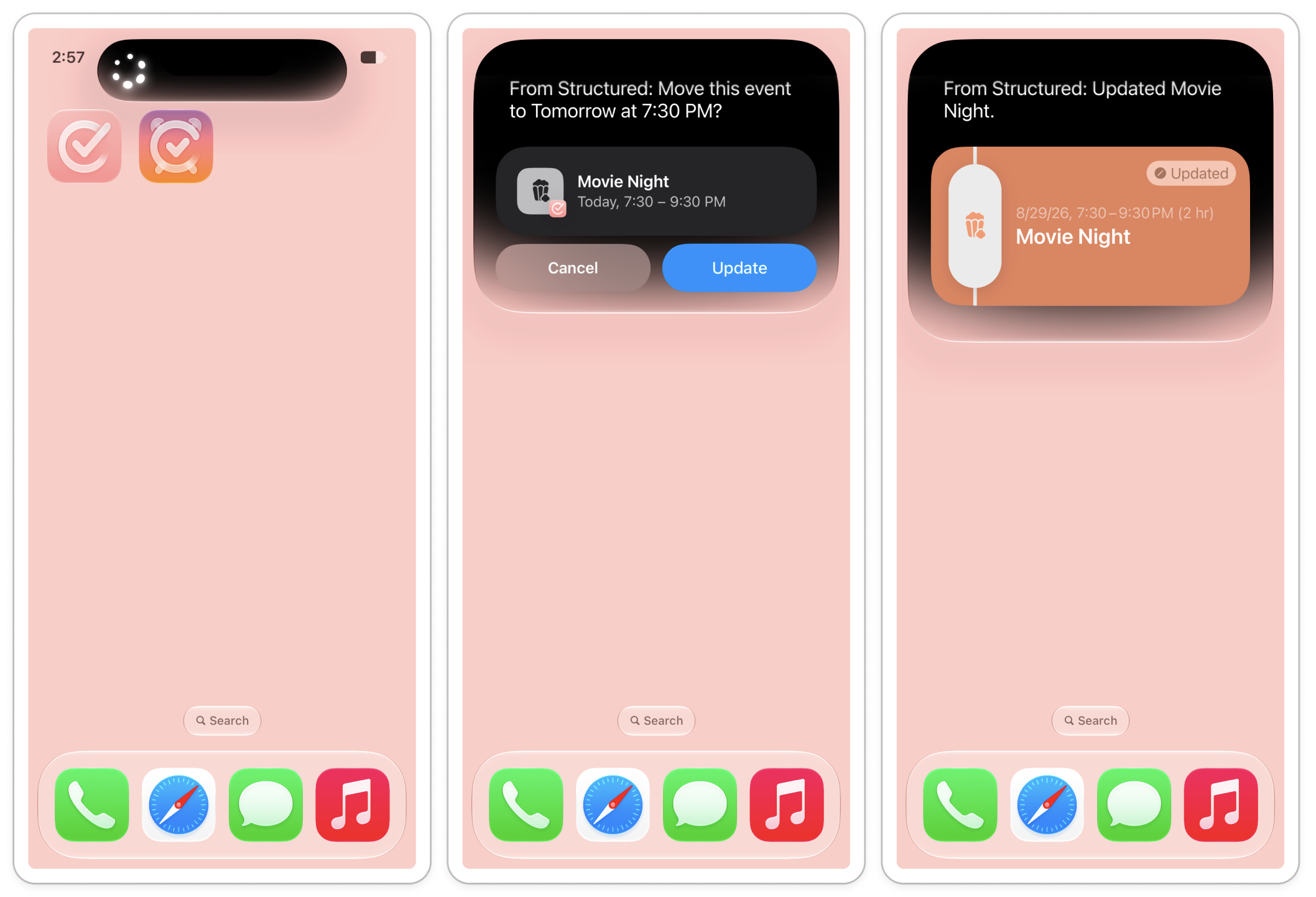
Editing or rescheduling tasks and events with Siri AI is also simple. Just prompt Siri AI to edit a certain task or event in Structured and mention how it should be handled.
Example prompt:
"Hey Siri, move the movie night in Structured to tomorrow."
This way, Siri AI will edit the respective event for you. Tap it to see the changes in Structured.
(2.3) Delete Tasks & Events
With Siri AI, you can also quickly delete tasks or events.
Example prompt:
"Hey Siri, today's Yoga class was cancelled, please delete it in Structured."
This way, Siri AI will delete the respective event for you.
(3) Search for Tasks or Events with Siri AI
You can now easily check your schedule without opening Structured. Simply ask Siri AI what's on today's schedule or when you scheduled your dentist appointment.
Example prompt:
"Hey Siri, when did I schedule my dentist appointment in Structured again?"
This way, Siri AI will search for the respective event. Tap it to see it in Structured.
(4) Limitations
(4.1) Availability
For now, Siri AI is available everywhere, except for the EU and China. Moreover, Siri AI is available in English only.
(4.2) Instructions
Siri AI is built on so-called App Intents. Hence, Structured adapts to the framework Apple set up for Siri AI. Since Structured doesn't distinguish between tasks and events, but Apple does, Siri AI might struggle to understand adding a 'task' to Structured. In this case, it can be helpful to refer to scheduling an 'event' in Structured.